
Download whole Pinterest boards at full size.
Pinpasta™️ is a Pinterest board downloader for Chrome and Firefox. Every pin as Pinterest's original file, saved as a ZIP or pasted straight into Figma.



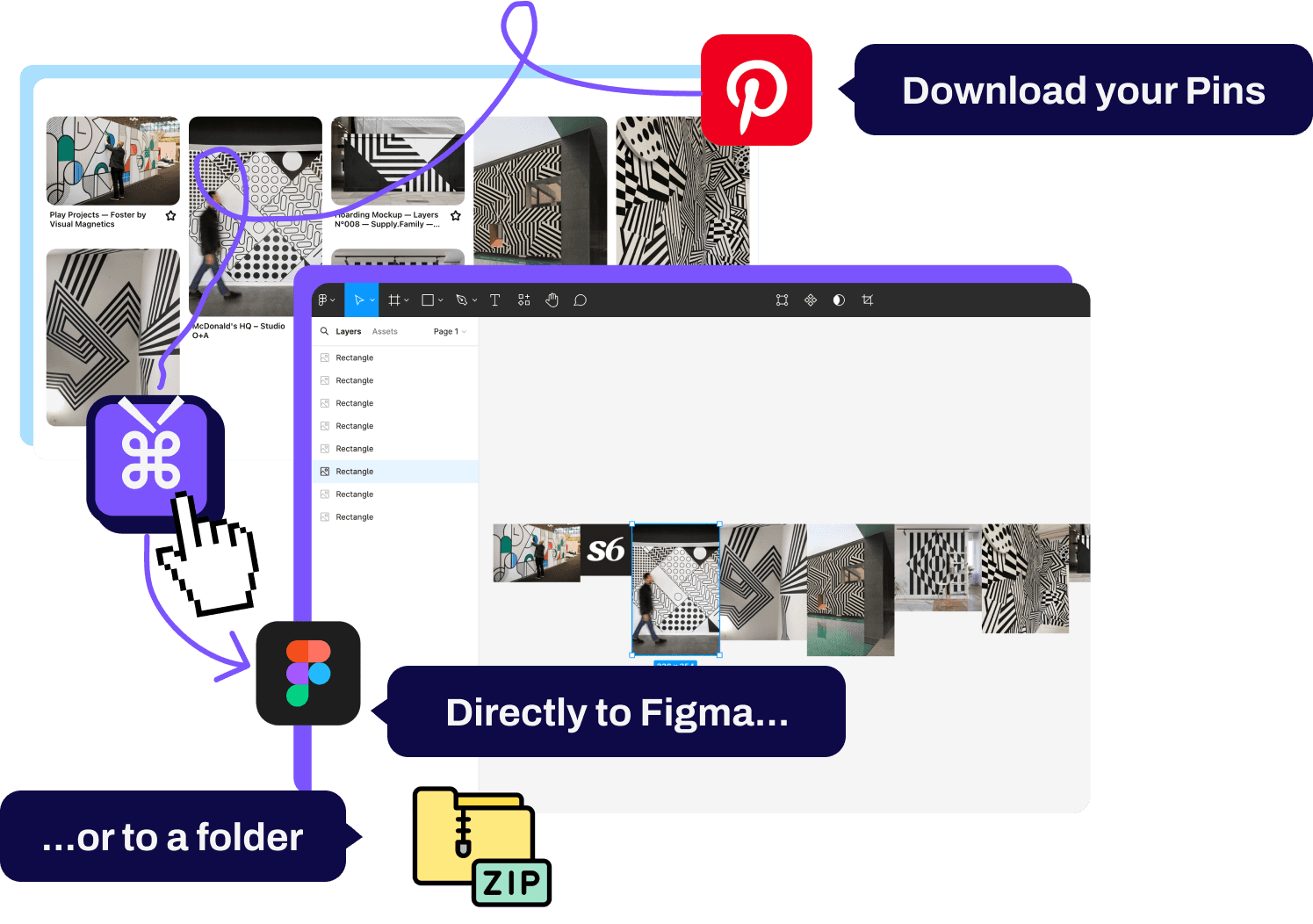
- Originals
- Pinterest's full-size upload, not the 736px preview. Files named by pin and title.
- Straight into Figma
- Copy in the extension, paste with our plugin. No ZIP in between.
- Runs in your browser
- Nothing is uploaded to a server. No account needed.
- Free up to 20 pins
- Per ZIP, plus 30 pins per paste into Figma. Small boards cost nothing.
- Lifetime PRO
- One payment. Whole boards of any size, forever.
Get it now!
Free to install. Pair the extension with our Figma plug-in and pins go from board to canvas in one paste.
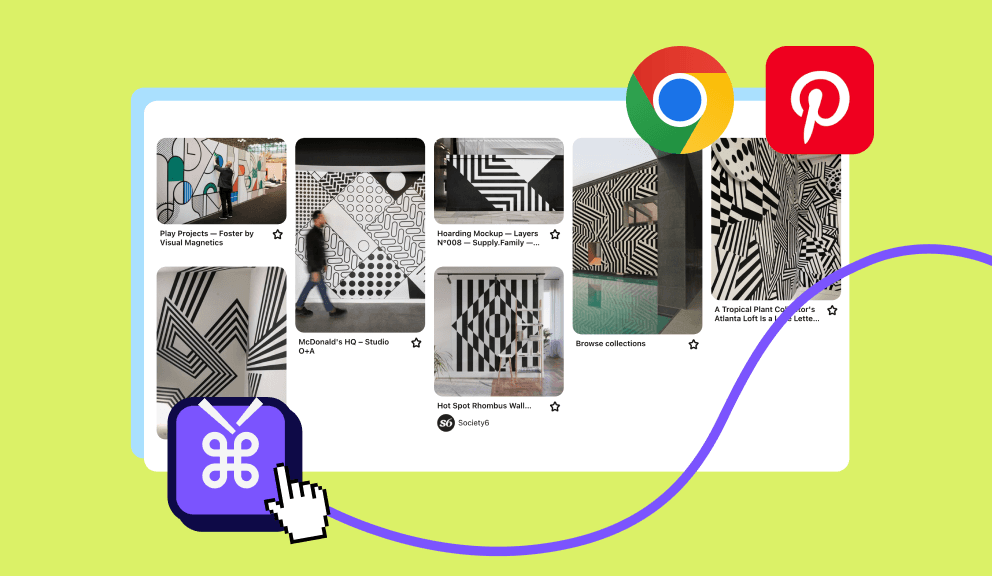
Browser extension to get 'em all
Open a board, click Extract. The extension fetches the original file for every pin, or just the ones you tick. Save them as a ZIP with real filenames, or copy them for the Figma plug-in. Available for Chrome and Firefox.
 Install for Chrome
 Install for Firefox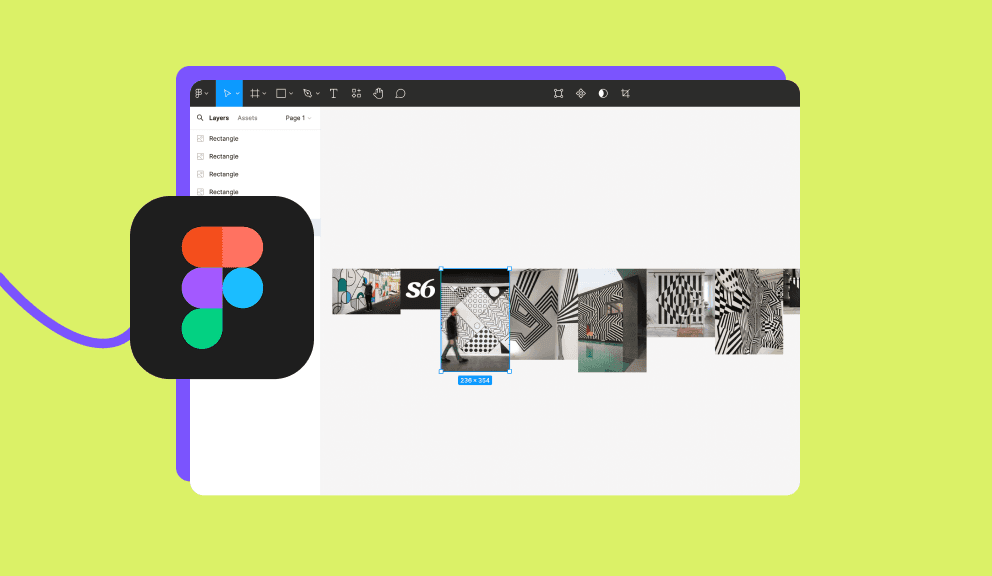
Figma plug-in for easy import!
Our Figma plug-in turns the pins you copied into full-resolution images on your Figma or FigJam canvas. Free for 30 pins per paste, any number with PRO.
👑 Unlock Unlimited Features!
The free plan gives you a ZIP of the first 20 pins of any board and Figma pastes of 30 pins at a time. PRO removes both caps, so whole boards of any size go to your disk or your canvas. One payment, lifetime license.
"A very handy and lightning-fast tool for importing your pins. Recommend! ⚡️"@Dominik, Designer
Free vs Pro at a glance
FAQ
How do I copy images from Pinterest using PinPasta?
PinPasta collects every pin on a Pinterest board and copies the full-resolution originals to your clipboard. Click the extension button, click Extract, then paste into Figma with the PinPasta plugin. Everything runs in your browser. Nothing is uploaded to a server.
Do I need anything else to use PinPasta?
Yes, you need to install both the PinPasta Browser Extension (available for Chrome and Firefox) and the PinPasta Figma Plugin to seamlessly copy and paste images.
Can I use PinPasta to create moodboards in Figma?
Absolutely! PinPasta makes it easy to gather all your Pinterest inspiration and paste it directly into Figma or FigJam, perfect for creating moodboards.
What is the best way to copy multiple images from Pinterest to Figma?
With PinPasta, you can copy multiple images from Pinterest by selecting the pins you want and using the extension to copy them all at once. Then, paste them into Figma with the Figma plugin.
What are the limitations of the free version of PinPasta?
The free version has no limit on copy to Figma. ZIP downloads are free too, but a free ZIP contains only the first 20 pins of a board. To download whole boards of any size as a ZIP you need a PRO license key. It is a one-time payment.
Can I save Pinterest images to my local drive using PinPasta?
Yes. Click Download ZIP and PinPasta saves a folder named after the board, with every image as Pinterest's original file, named by pin and title, plus a report listing each pin. Free ZIPs are capped at the first 20 pins of a board. PRO removes the cap.
How many devices can I activate my license key on?
Each license key is for personal use on up to two devices, which equals four activations if you use both the browser extension (Chrome or Firefox) and the Figma plugin. Need more seats for your studio? Purchase additional license. You can manage your licenses in the License Manager.